Level 1
Simple
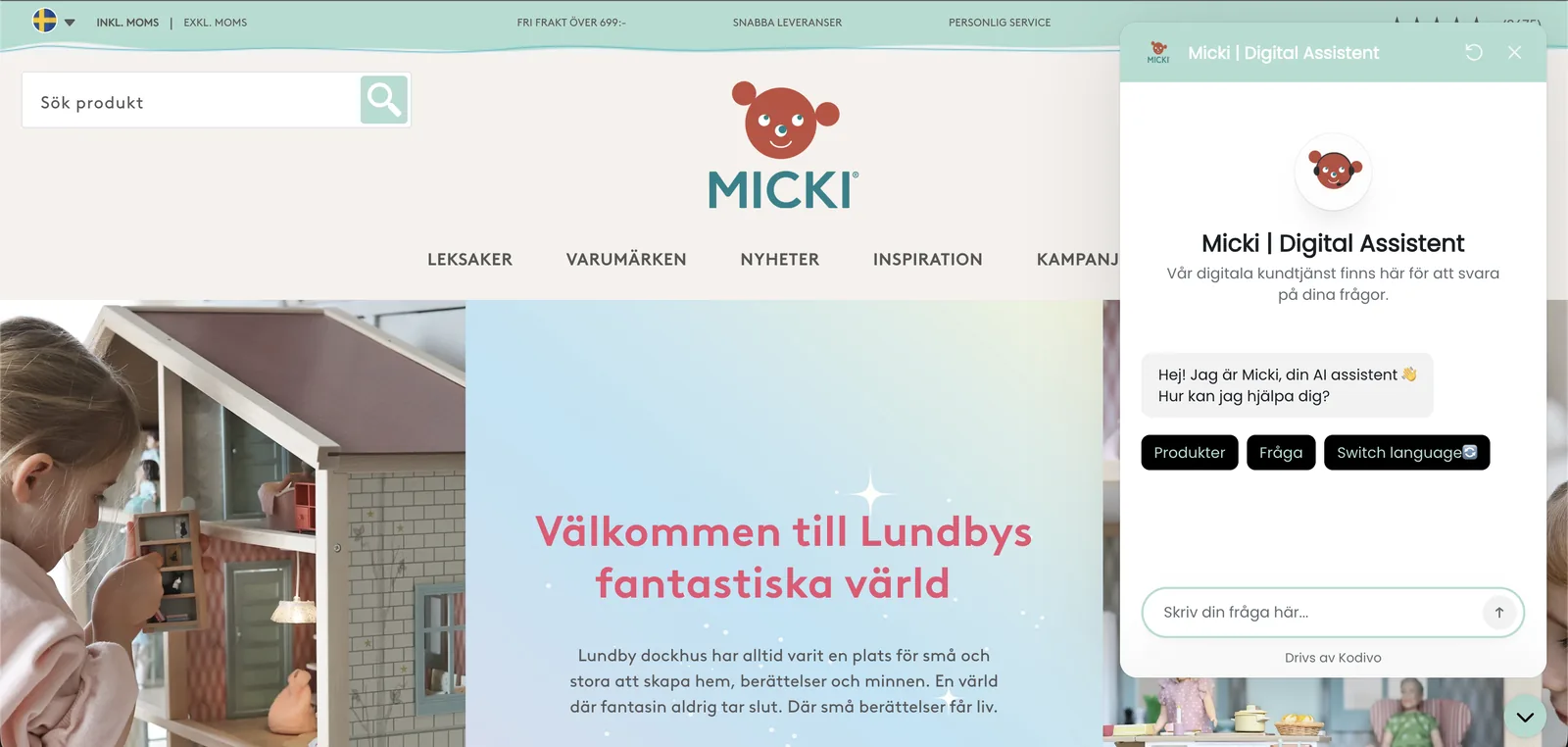
A widget in the corner that opens when the customer clicks. Nothing but the conversation, and that goes further than you would think.
- Answers questions around the clock
- Opens from a button in the corner
- Matched to your colours
The chat widget
The assistant is the same in all three. What sets them apart is how much fits into the widget the customer meets, from a plain conversation to tabs, data cards and handover.
Look through them and tell us which one you want, and we will build it. What the assistant can do is set out under Services.
01The levels
Every level adds something to the one before it. Starting simple is no dead end, it is the widget that grows and not the assistant that gets swapped out.
Level 1
A widget in the corner that opens when the customer clicks. Nothing but the conversation, and that goes further than you would think.
Level 2
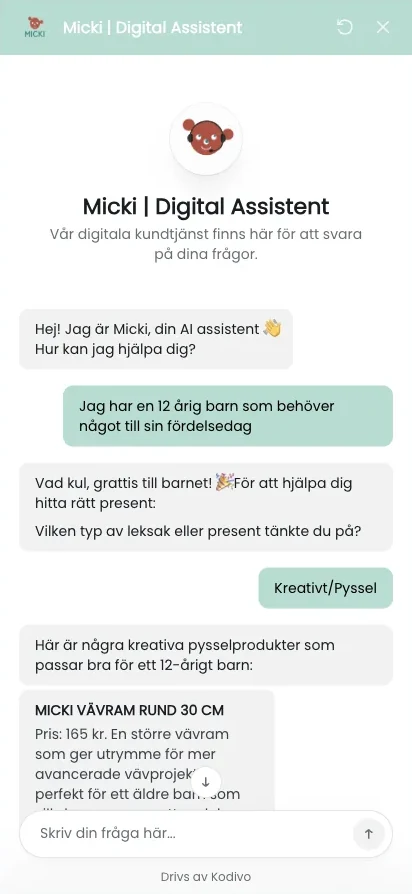
The same chat, plus a tab where the most common questions are ready and waiting. The customer finds the answer straight away without having to phrase the question.
Everything in Simple, plus:
Level 3
The whole widget. The assistant shows data from your systems, suggests the next step and hands over to a person when that is needed.
Everything in With FAQ, plus:
The widgets above are examples. Colours, shape and sender name are matched to your site, so the chat looks like a part of it and not like something pasted on.
02Customisation
Whatever the level, the widget is matched to what you already have. A chat that looks pasted on does not get used.
The widget's colours, typeface and rounding are set from your palette, so that it reads as a part of the page and not as a box someone else has put there.
The button sits in the corner that suits your layout. It should be easy to find for someone looking for it and easy to ignore for someone who is not.
The name in the widget's header is yours. We always spell out that it is an AI assistant the customer is talking to, and Ethics says why.
The greeting and the first suggestions are written from what your customers usually ask about, not from a template.
Not sure which level suits you? Get in touch, and we will point you the right way.